
We’ve all experienced this situation: a playlist spotted online, a track to integrate into a video edit or a presentation, and no time to juggle between three software programs to get the right audio format. The need to quickly convert a music file without breaking one’s workflow comes up in every project, whether in content production, editing, or set preparation.
Multi-format audio conversion and production chain
Single conversions (pasting a link, retrieving an MP3) are no longer sufficient when working on multiple projects simultaneously. Usage has evolved towards complete production chains: audio extraction, export in multiple formats, then direct import into a DAW or editing software.
MPGUN fits into this logic. The tool allows you to convert music with MPGUN from a browser interface, without local installation. You choose the output format, start the conversion, and the file is ready to be integrated into the rest of your workflow.
What changes the game compared to a traditional converter is the ability to chain conversions without reloading the page or reconfiguring the settings for each file. Chaining conversions without reconfiguring saves several minutes per session.
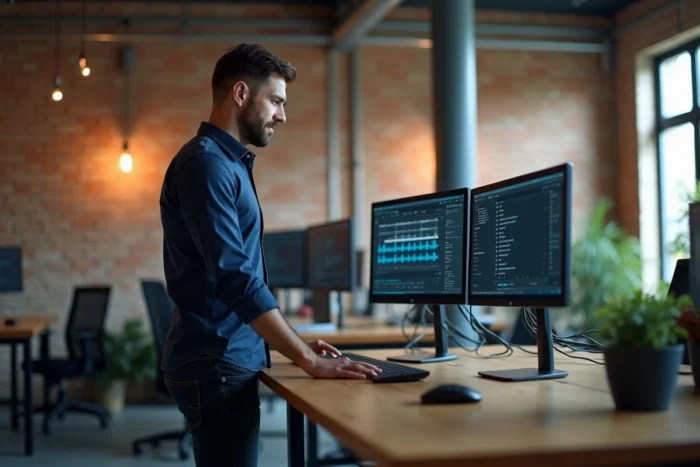
MPGUN in a music production workflow
When producing audio or video content, conversion is never an isolated step. It integrates between searching for sound sources and working in the production software. A producer starting from an existing instrumental to create multiple variations needs a clean source file, in a format compatible with their DAW.
Extract, convert, import
The typical scenario looks like this:
- You spot a track or loop online that fits the current project.
- You extract the audio via MPGUN by selecting the appropriate format (MP3 for quick editing, a less compressed format if mixing is planned).
- You import the file directly into Ableton, Logic Pro, FL Studio, or any other software without an additional conversion step.
This three-step approach avoids back-and-forth between tools. A file converted in the right format from the start eliminates a post-processing step.
Reuse an existing base rather than starting from scratch
A method gaining traction in music production involves starting from a pre-mixed instrumental, removing the composition part, and then recreating several versions while maintaining a balanced sound base. For this to work, the source file must be clean and in a usable format. Upstream conversion with a tool like MPGUN makes this step seamless.
Standardize audio format to save time
Productivity gains come not only from conversion speed but also from standardization. When you always work with the same output format, you eliminate the repetitive micro-decisions that fragment a work session.
In practical terms, this means defining a default format in MPGUN once and for all, and then sticking to it for all projects of the same type. A video content creator who consistently uses MP3 for their background music no longer has to think about the format for each conversion. Standardizing the format eliminates repetitive micro-decisions.
Feedback varies on this point depending on usage: some prefer to keep a less compressed format for more mixing headroom, while others prioritize the lightweight MP3 for projects where studio quality is not a priority. The tool allows for choice, and it’s the type of project that decides.
Limitations to know before integrating MPGUN into your routine
No online tool replaces a locally installed conversion software when dealing with very large volumes or needing specific professional formats (WAV 24 bits, multi-channel FLAC). MPGUN covers common needs, not the scenarios of a professional recording studio.
- Conversion depends on internet connection: a slow speed extends processing time.
- The available output formats cover standard uses, not niche formats used in film post-production.
- Batch processing is not as smooth as on dedicated software like FFmpeg in command line.
For common content production uses, the tool gets the job done without friction. For advanced audio processing with specific specifications, it should be complemented with local software.
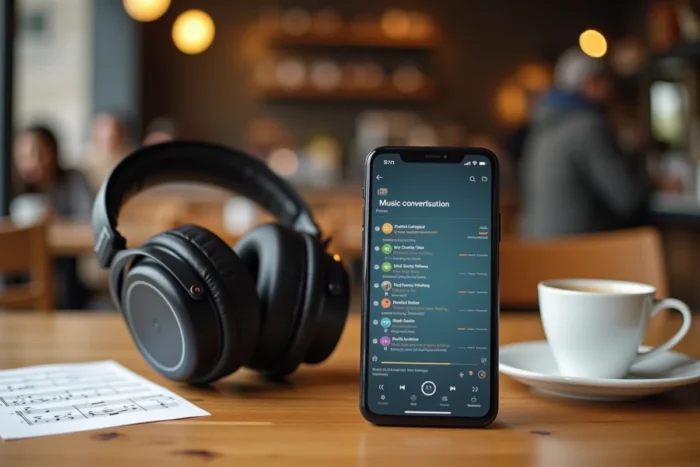
Integrate audio conversion into an efficient production routine
A common mistake is to treat conversion as a one-off task, while it comes up in every project. Integrating conversion into a workflow template allows you to stop thinking about it. You open MPGUN at the same time as your DAW or editing software, convert the necessary files at the beginning of the session, and then move on to creative work without interruption.
This simple discipline transforms a repetitive task into a reflex. Over a week of production with several projects running in parallel, the cumulative time saved is tangible. Productivity is not about a miracle tool; it’s about systematically eliminating friction between each step of the process.