
A Pia portal that leads to a blank page, a webmail that loops on the authentication screen: before blaming the servers of the Amiens academy, we recommend methodically checking what pertains to the local configuration. The majority of reported blockages are not server outages but authentication errors or browser cache conflicts.
Distinguishing SSO failure and unavailability of Pia Amiens email
The current architecture of the Amiens academy relies on a centralized SSO authentication portal. The email, I-Prof, ARENA, and HR resources share this single entry point. When the SSO fails, all these services become inaccessible simultaneously, giving the impression of a widespread outage.
The diagnosis therefore begins with a simple question: do other academic services (I-Prof, ARENA) respond? If none load, the problem lies with the authentication portal, not the email itself. If only the webmail is blocked, the cause is more likely local or related to the email server stricto sensu.
We observe that recent guides present intranet.ac-amiens.fr as the active single entry point for professional email, while webmail.ac-amiens.fr remains accessible but less prioritized for updates. Attempting to connect via one then the other allows for quick isolation of a DNS routing or redirection issue.
For a complete diagnosis on the Pia Amiens academic email, it is useful to cross-check these verifications with feedback from other users in the same department.
Local causes of blockage on Amiens academic webmail
Most unavailability perceived as server outages stem from the configuration of the workstation or browser. We list here the most frequently implicated checkpoints.
- A browser cache or expired cookies retain an expired session token. The SSO portal then receives an inconsistent authentication request and denies access without an explicit error message. Clearing the cache and cookies for the domain ac-amiens.fr resolves this issue in the majority of cases.
- The use of a VPN or a script blocker extension may interfere with the SSO redirection chain. Temporarily disabling these tools can confirm or rule out this avenue.
- The entered identifier is incorrect. Some staff confuse their academic identifier (first.last or initial + last name) with their NUMEN or their full email address. The field expected by the authentication form is the short identifier, without the suffix @ac-amiens.fr.
- A password recently changed on one device may not be synchronized on another, causing a temporary account lockout after several failed attempts.
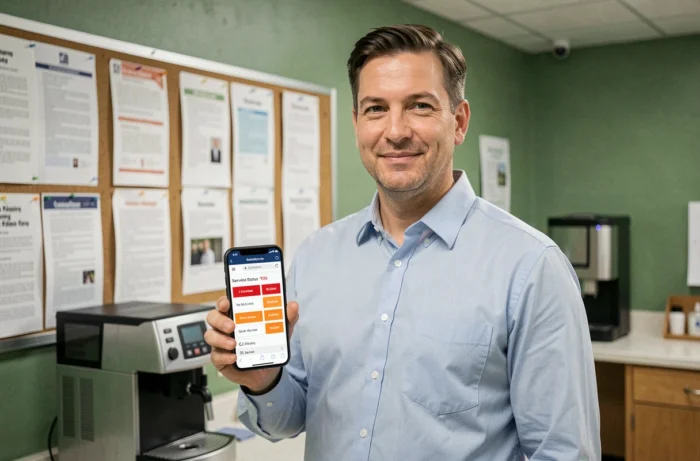
Check the status of online services at the Amiens academy
The academy does not offer a public status page comparable to what public hosting providers offer. Diagnosing a server-side outage therefore relies on indirect clues.
Network-side signals
A ping or traceroute test to intranet.ac-amiens.fr reveals whether the server responds at the network level. A total lack of response (timeout) points to an infrastructure unavailability, while a normal network response combined with an HTTP 5xx failure or a blank page indicates an application problem.
Testing from a mobile network (4G/5G) alongside the fixed network helps rule out a blockage related to the ISP or the institution’s proxy. If the webmail loads on 4G but not on wired, the problem is local to the network.
Community-side signals
Academic help forums and certain threads on social media are often the first to report a service interruption. Searching for “messagerie ac-amiens panne” with a time filter (last 24 hours) provides a reliable indicator of the extent of the problem. If no one else reports a blockage, the cause is likely local.
Account security and best practices for Pia login
Recent guides emphasize a point that “login tutorial” articles neglect: securing the account has become as critical as access itself.
Never transmit the NUMEN via email. This number serves as a password reset key. A compromised NUMEN gives a third party the ability to take control of the entire academic account, including email.
We recommend checking that the backup email address associated with the account is still valid. In case of password loss, this address receives the reset link. An outdated backup address turns a simple password loss into a total blockage requiring assistance from the academy.
Vigilance against phishing remains a critical point. Emails mimicking the Pia portal circulate regularly, especially at the beginning of the school year. Systematically checking that the URL in the address bar ends with ac-amiens.fr before entering credentials avoids the majority of compromises.
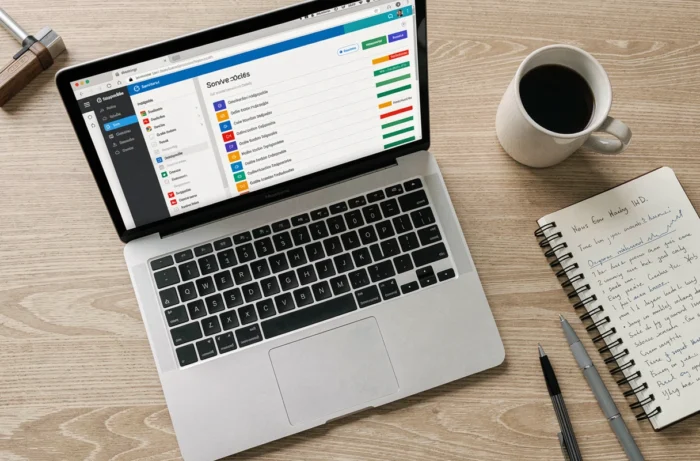
Email settings and mail client configuration Amiens
For staff using a heavy client (Thunderbird, Outlook) or a smartphone, the choice of protocol has a direct impact on the perception of service availability.
The IMAP protocol synchronizes messages in real-time with the server. A short service interruption results in a synchronization error message, but emails remain accessible as soon as the server returns. The POP protocol, on the other hand, downloads messages and may delete them from the server depending on the chosen configuration, complicating diagnosis in case of problems.
Favor IMAP to keep a server copy constitutes the most resilient configuration. In case of doubt about the settings, the incoming server remains the one documented by the DSDEN, and the port must correspond to a secure connection (SSL/TLS).
A password changed via the web portal must be manually updated in each configured mail client. This is a frequent source of connection errors that resemble a server outage but are not.
Before contacting academic support, cross-checking these local verifications with a test from another network and another browser is sufficient in most cases to identify the source of the blockage. The time saved benefits everyone, including the support teams dealing with real infrastructure incidents.